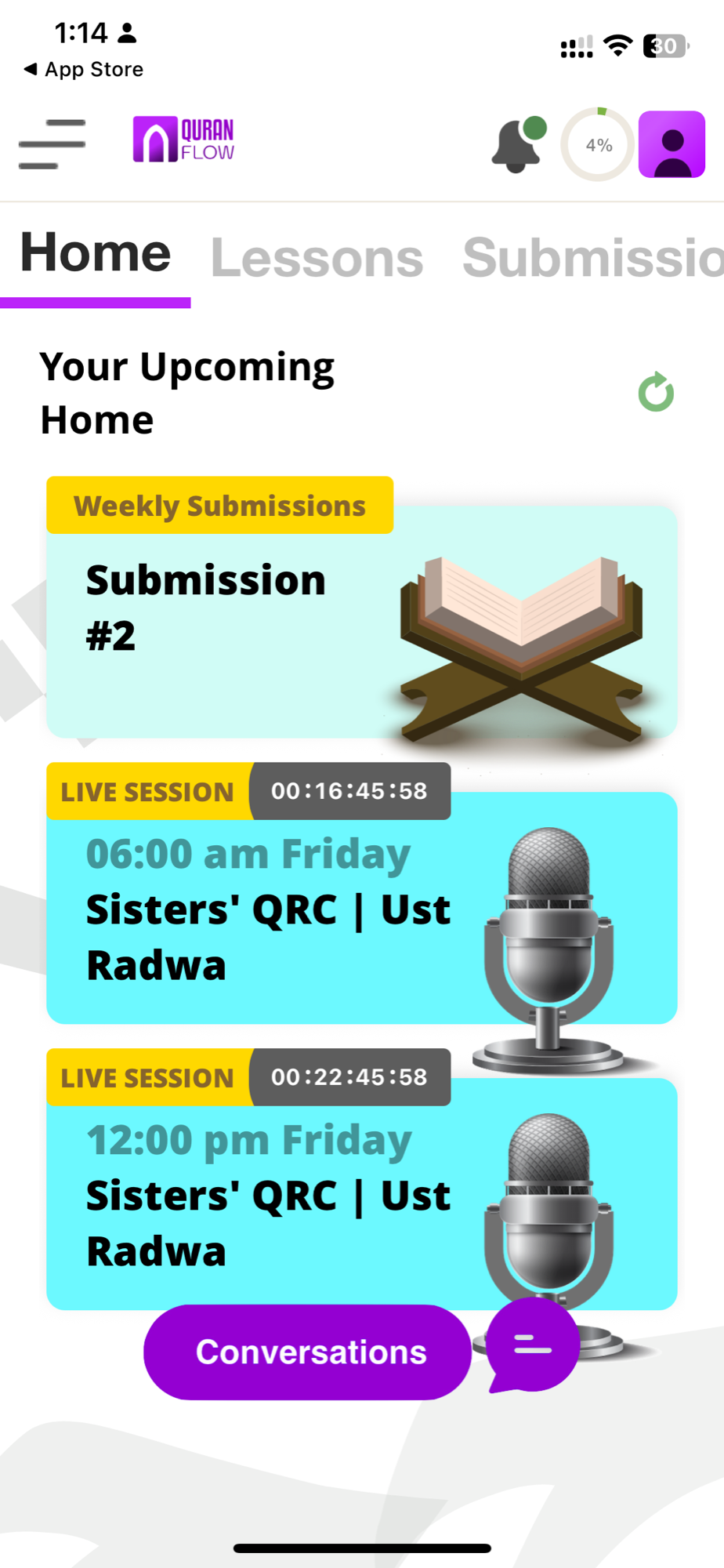
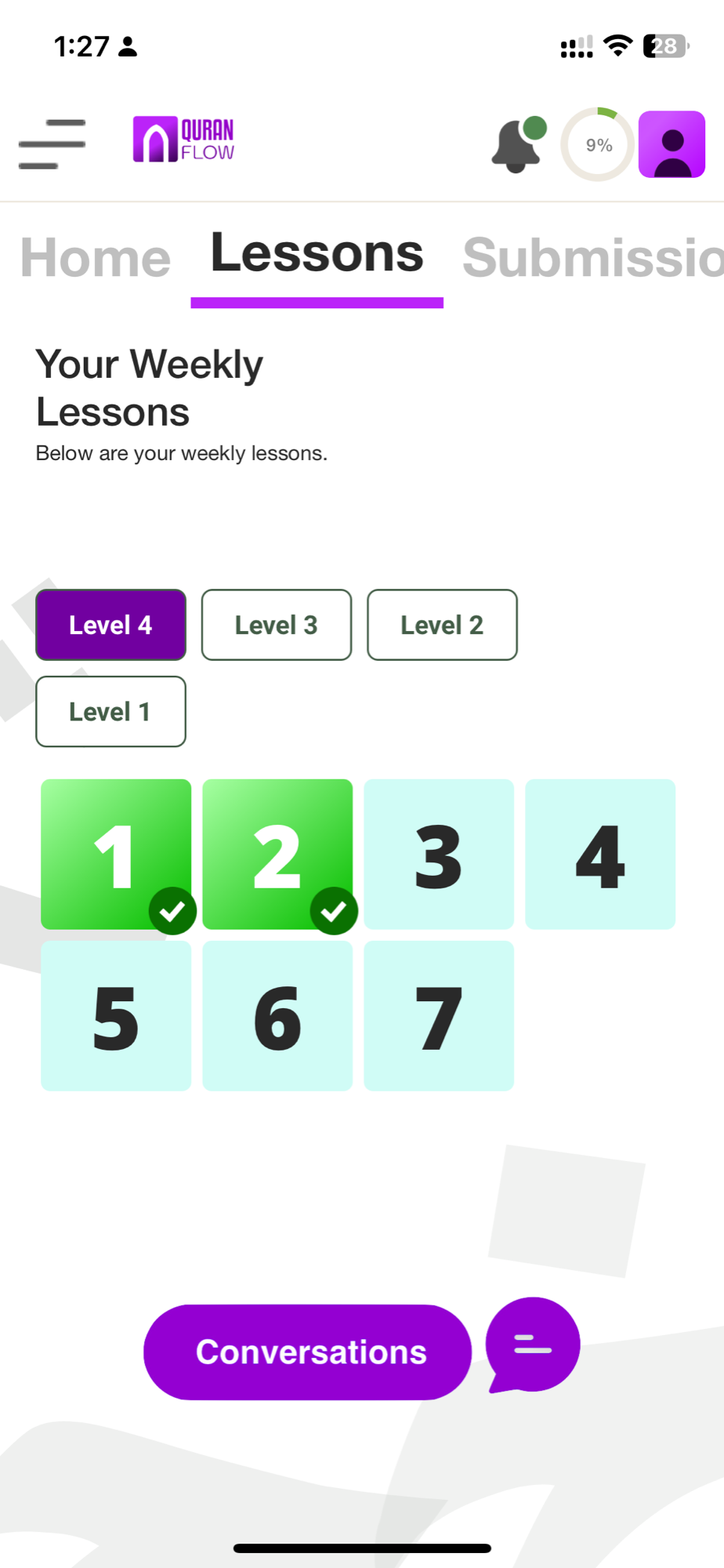
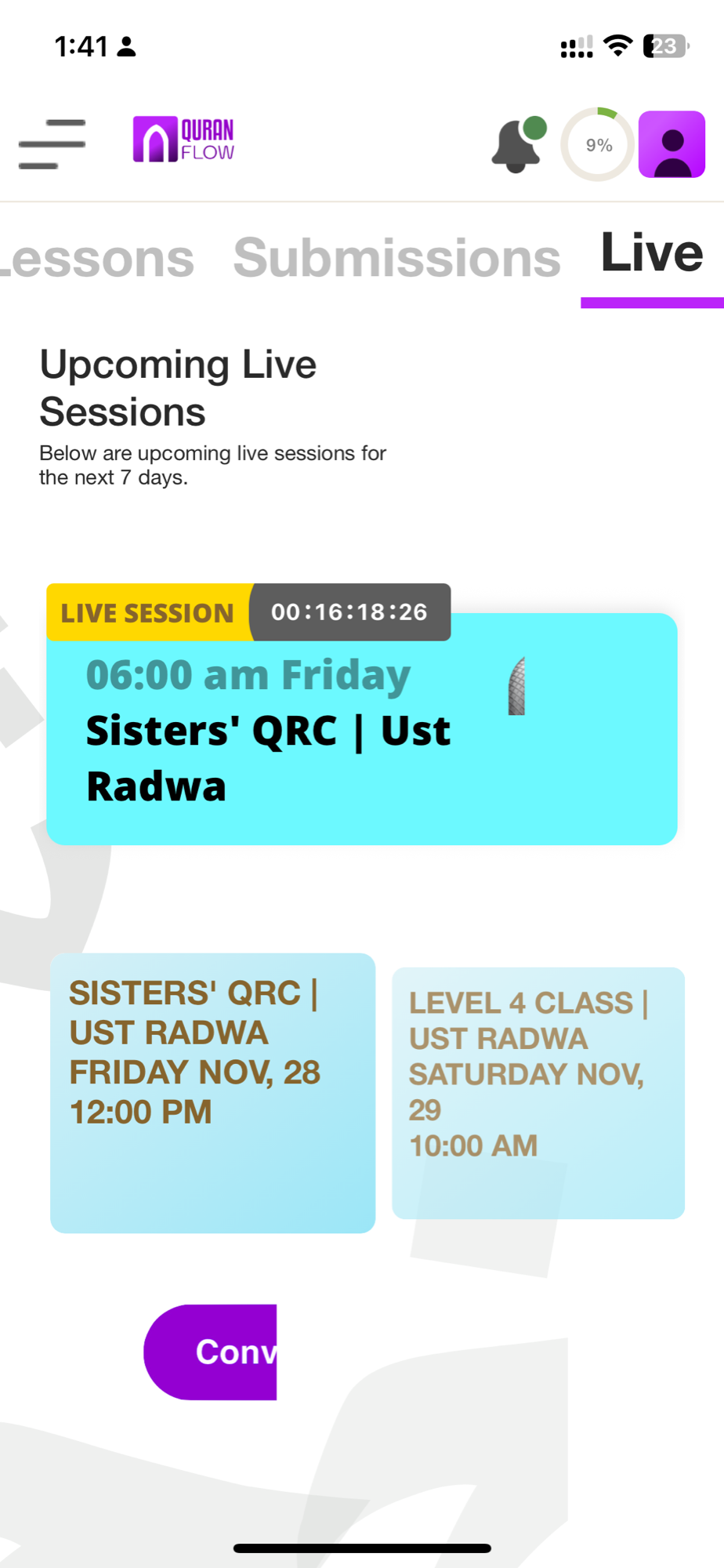
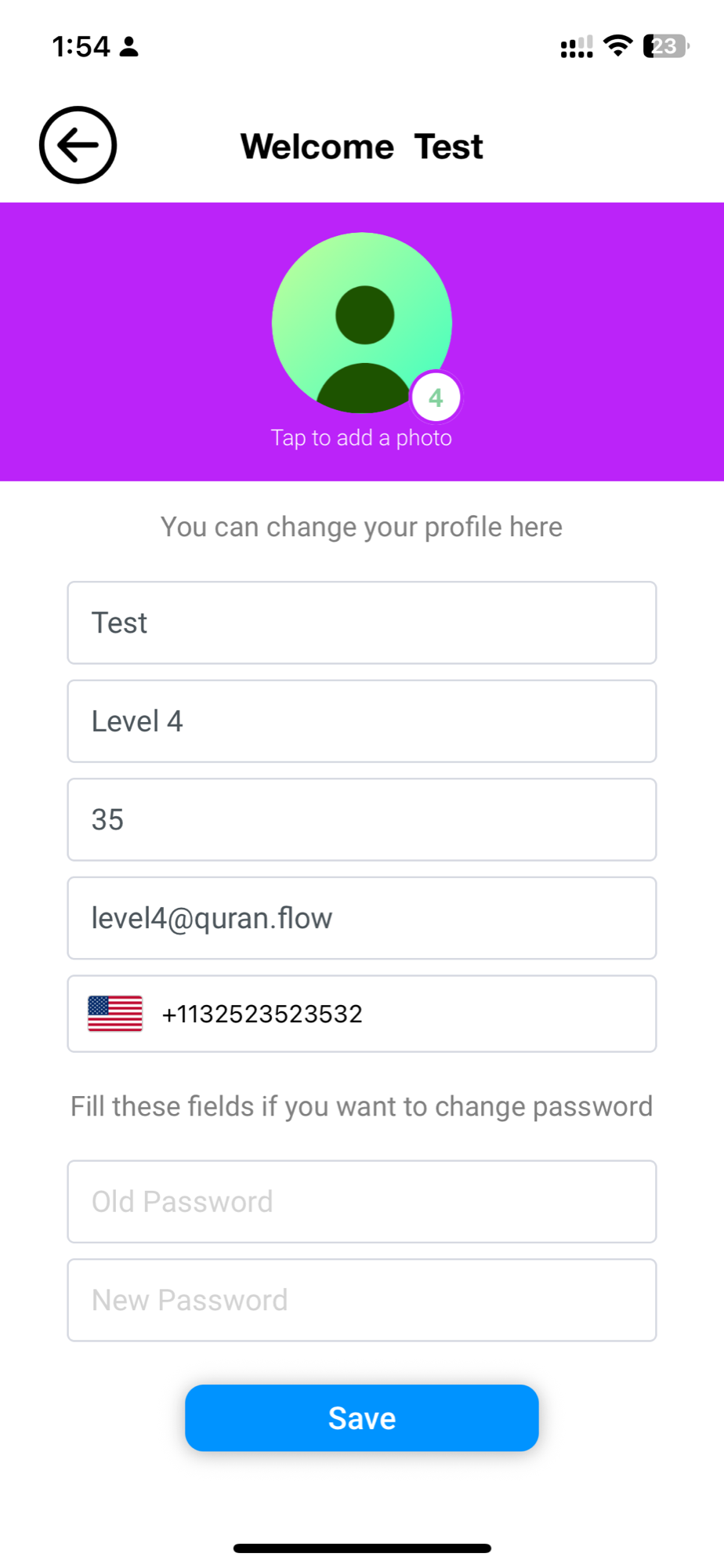
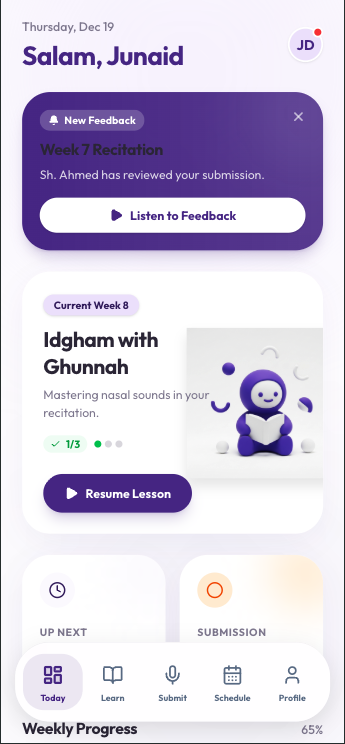
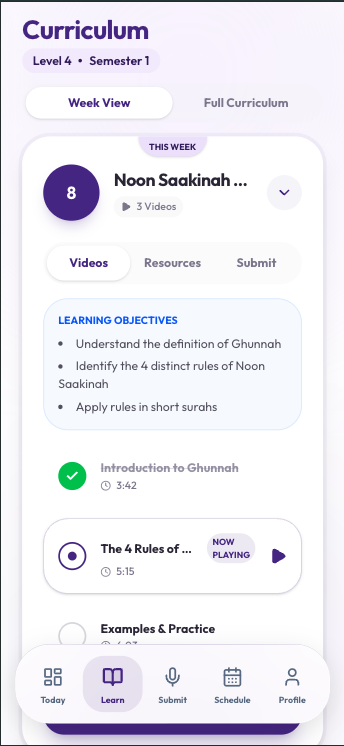
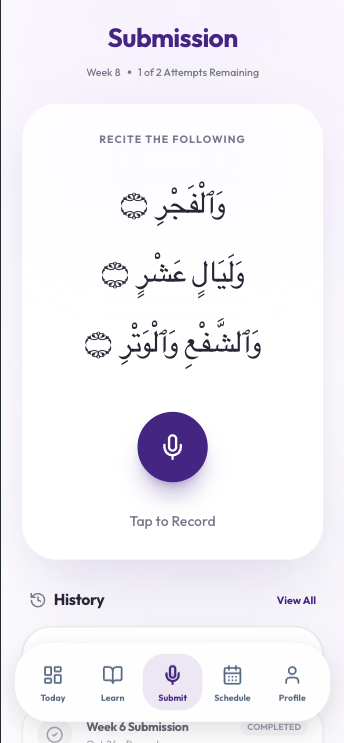
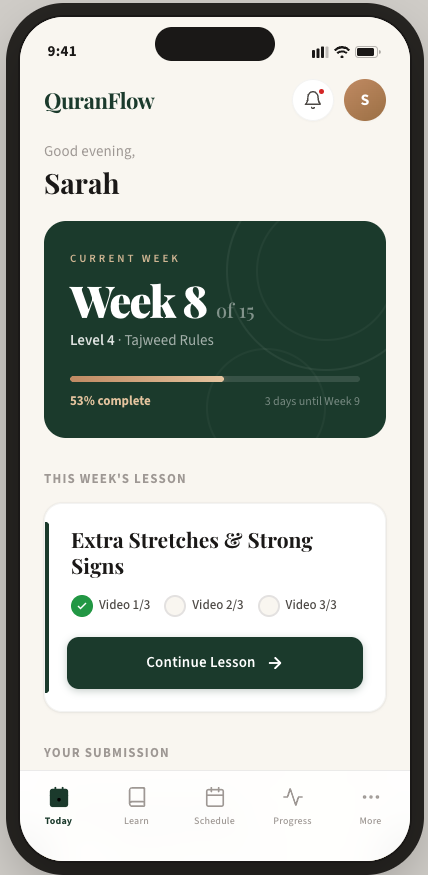
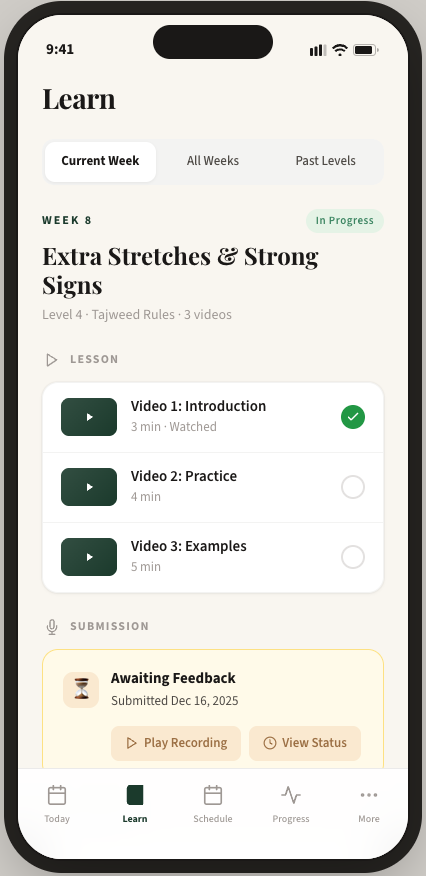
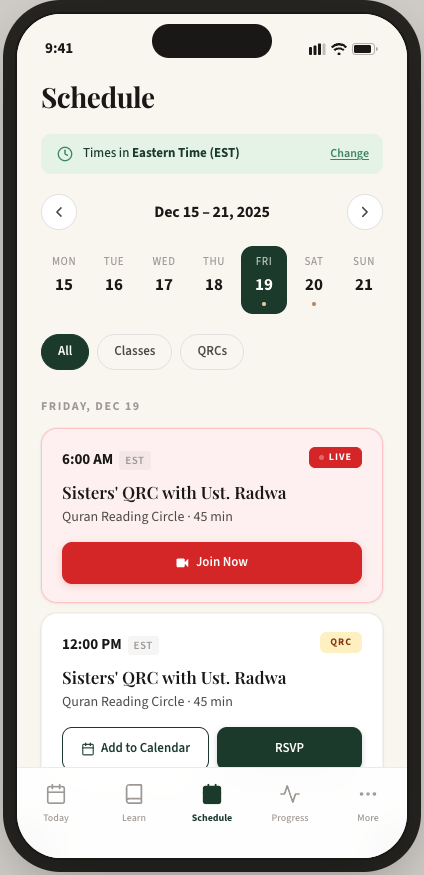
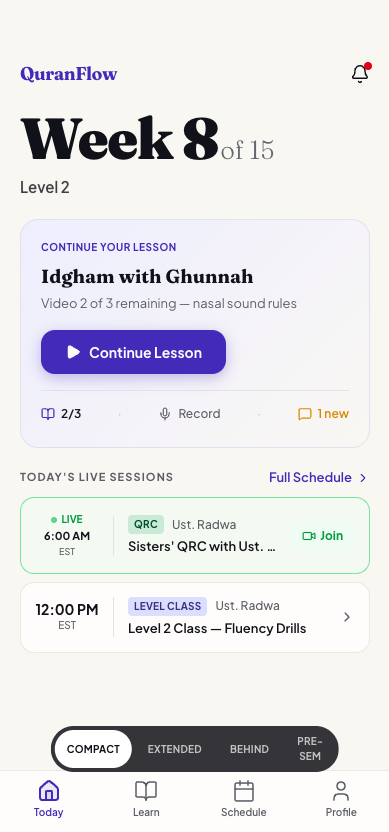
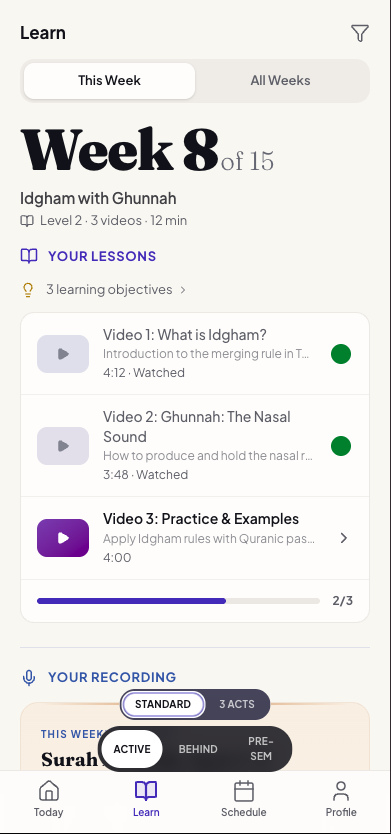
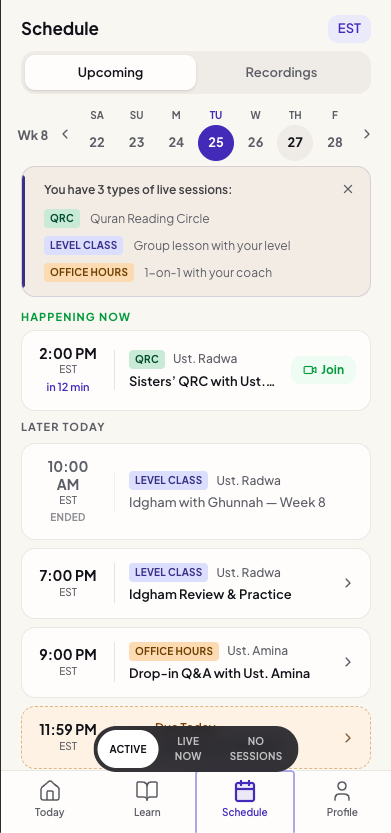
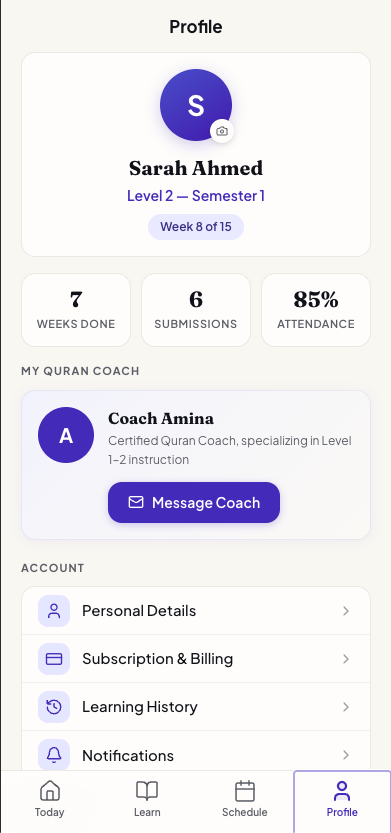
The architecture specification and simplification feedback were translated into an interactive prototype — 13 screens covering every part of the student experience: Today, Learn, Schedule, Recording, Profile, Video Player, multi-step Onboarding, Notification Sheet, Notification Settings, Personal Details, Subscription, and Manage Subscription.
Beyond surface-level design
Mockups v1 and v2 were surface-level explorations — tab structure, layout, visual direction. This mockup handles real usage states: what do you see when you're behind schedule? When you have no sessions today? When you're mid-lesson with two videos watched? The onboarding flow walks new students through choosing their Quran font, setting notification preferences, and understanding the weekly rhythm — none of which existed in any previous version.
Features appear when students need them
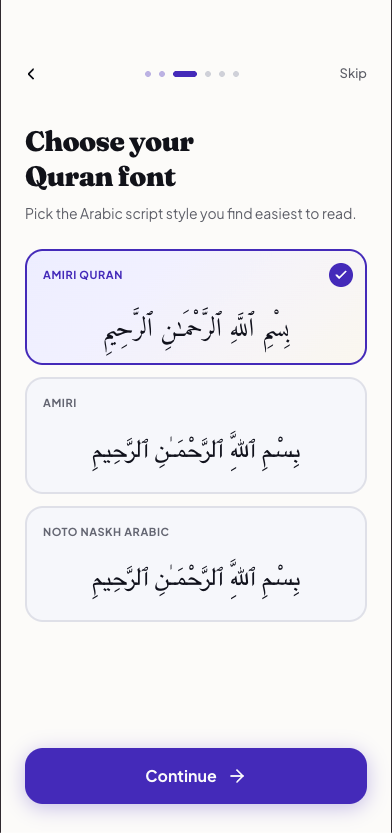
The Quran font picker is a good example of this depth. The original app buried font selection in settings — one of the six P0 issues from the audit. The redesign surfaces it during onboarding, where students see actual Arabic script rendered in each font and pick what's easiest for them to read. It's a small screen, but it represents the shift from "features exist somewhere" to "features appear when the student needs them."
Weekly Rhythm in every screen
Today shows "Week 8 of 15" with the current lesson and upcoming sessions. Learn groups lesson, submission, and feedback by week. Schedule is one tap away instead of five clicks deep. Compared to the original app — where students couldn't find the schedule, didn't know what week they were in, and accidentally submitted recordings — every screen now answers the three WWDC25 questions: Where am I? What can I do? Where can I go?